
Empowering you to bank safely and securely
Manage overseas card usage
To comply with the latest regulatory requirement of The Hong Kong Monetary Authority to strengthen the security controls for ATM services, with effect from 1 March 2013, the overseas ATM cash withdrawal (including cash advances) service of all ATM cards and credit cards will be pre-set as “deactivated”. Customers are required to activate Overseas ATM Cash Withdrawal Service for their ATM cards and credit cards before using overseas ATMs to withdraw cash (including cash advances). No activation is required for cash withdrawal via JETCO ATMs in Macau and China.
The ‘Manage your overseas card usage’ feature lets you enable/disable overseas ATM cash withdrawals and card payments on your card(s), letting you take charge of your overseas spending.
To comply with the latest regulatory requirement of The Hong Kong Monetary Authority to strengthen the security controls for ATM services, with effect from 1 March 2013, the overseas ATM cash withdrawal (including cash advances) service of all ATM cards and credit cards will be pre-set as “deactivated”. Customers are required to activate Overseas ATM Cash Withdrawal Service for their ATM cards and credit cards before using overseas ATMs to withdraw cash (including cash advances). No activation is required for cash withdrawal via JETCO ATMs in Macau and China.
Protects you against criminals
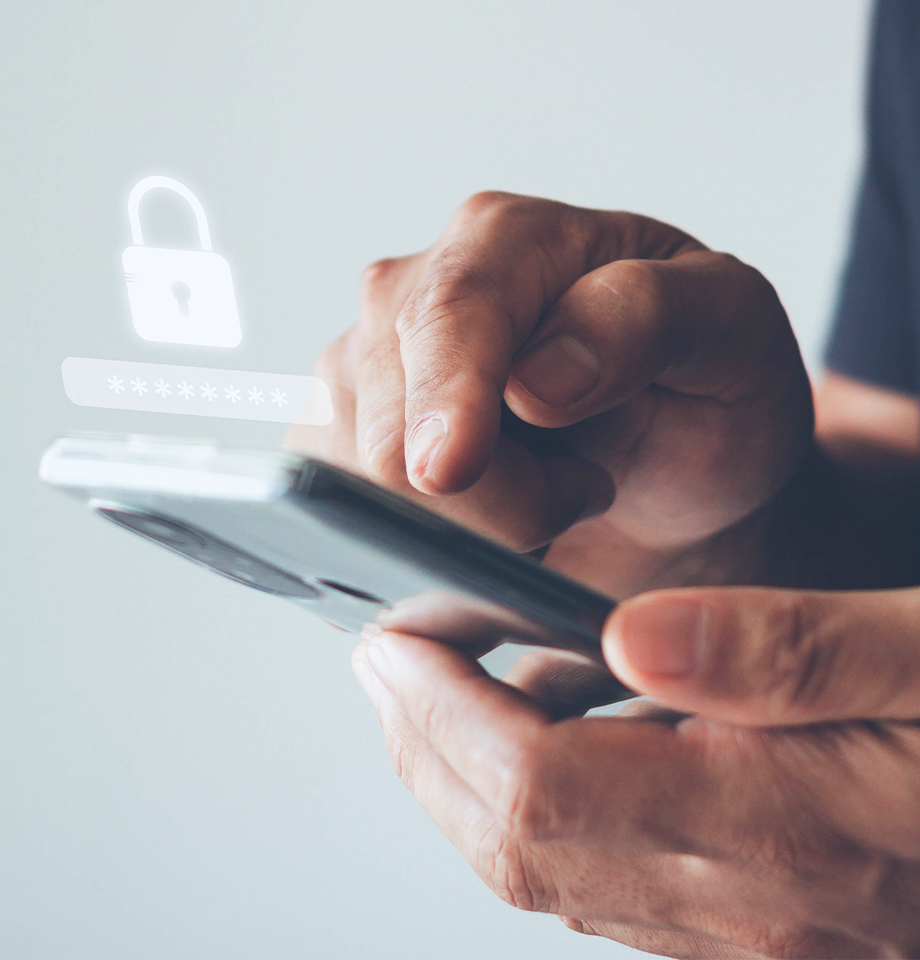
Deactivating overseas usage for your card(s) offers extra protection against scammers who may try to use your card(s) or cloned copies of your card(s), should your card(s) or card details fall into the wrong hands.

Prevents unauthorised withdrawals
Once you activate your debit card for overseas ATM withdrawals (or your credit card, if it is linked to your current/savings account), we will by default send you an SMS message every time more than HK$1 is withdrawn — ensuring no withdrawals are made without your knowledge.
- Enable the features that you need—overseas ATM withdrawals and/or overseas payments (via magstripe)
- To prevent unauthorised use, deactivate overseas use for your card(s) once you return to Hong Kong
You can activate or deactivate overseas use for your card(s) via:
- OCBC Internet Banking or OCBC Bank Mobile App (immediate activation or deactivation)
- SMS (immediate activation or deactivation)
- Mail-in forms (activation or deactivation will take up to 7 working days)
You can activate or deactivate the overseas purchase feature (magstripe) via:
- OCBC.com online form (immediate activation or deactivation)
- OCBC Internet Banking or OCBC Bank Mobile App (immediate activation or deactivation)
- SMS (immediate activation or deactivation)
Stay informed by enabling important alerts about your banking activities.
Setting daily limits on how much can be transferred – giving you more control over your money.
Customise your login credentials to protect your Online Banking access.
To borrow or not to borrow? Borrow only if you can repay!