
Grow your business with OCBC Velocity, Digital Business Banking
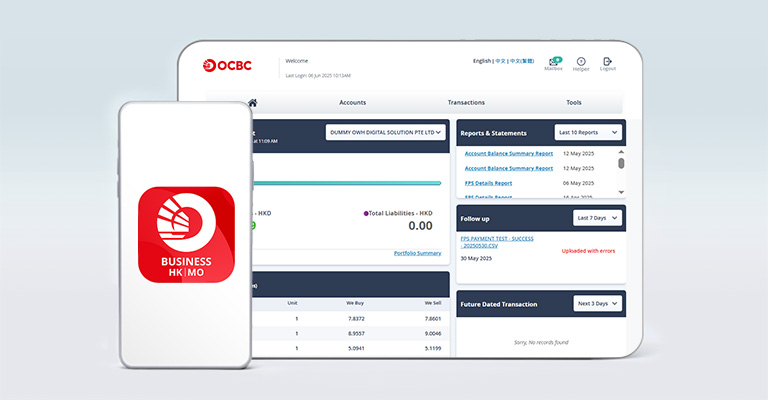


Take your business forward today with OCBC Velocity and unlock its powerful features and advanced tools.
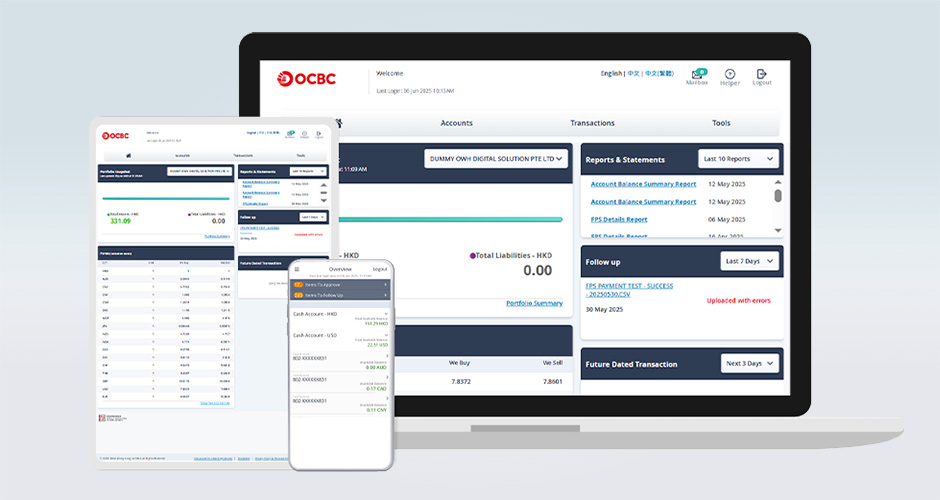
OCBC Velocity – Your Trusted Business Partner
With OCBC Velocity, running your business is simpler than ever. We provide everything you need to manage your accounts and boost efficiency—right at your fingertips. Effortlessly manage cash flow forecasting, income, and expenses now.
Interested to explore our award-winning Trade Financing Solutions? We are here to help!

Faster Payment Service (FPS) Alert
Stay informed about your business at all times:
- Receive instant notifications when funds are credited to your account
- Manage your finances seamlessly, anytime, anywhere
- Customise your notification preferences to suit your business needs

Account Overview
Check account balances and transactions—all in one place, with the following benefits:
- Seamless single sign-on access to manage bank accounts across multiple counties/regions
- Consolidate account details from multiple banks into a single platform with Integrated Account Data Service (IADS)
- Use the Secured Mailbox to easily submit account and service maintenance requests through a safe and efficient channel

Streamline Cash Flow
Visualize your cash flow by our eStatements, eAdvices, cash pool reports, Direct Debit Instruction (DDI) and FPS reports to simplify your financial tracking and make smarter decisions

Initiate Payment & Collection
We support all in-market payment and collection methods, including time deposit placement, FX Online Service, Payroll Payment, Bill payment, Faster Payment System (FPS), Telegraphic Transfer (TT), CHATS / Real Time Gross Settlement System (RTGS), HK-Macau Same-day Book Transfer (USD, HKD), and more—giving you the flexibility you need.

Manage Trade Finance
Access your trade portfolio online, making it easier than ever to manage and trade.

Additional Support
Access a variety of user guides to help you navigate and utilise our OCBC Velocity services effectively.

Bank with Assurance
Enjoy 24/7 anti-fraud protection for safer, more secure banking

Multi-Language Support
OCBC Velocity is available in both English and Chinese, allowing you to bank in the language that suits you best
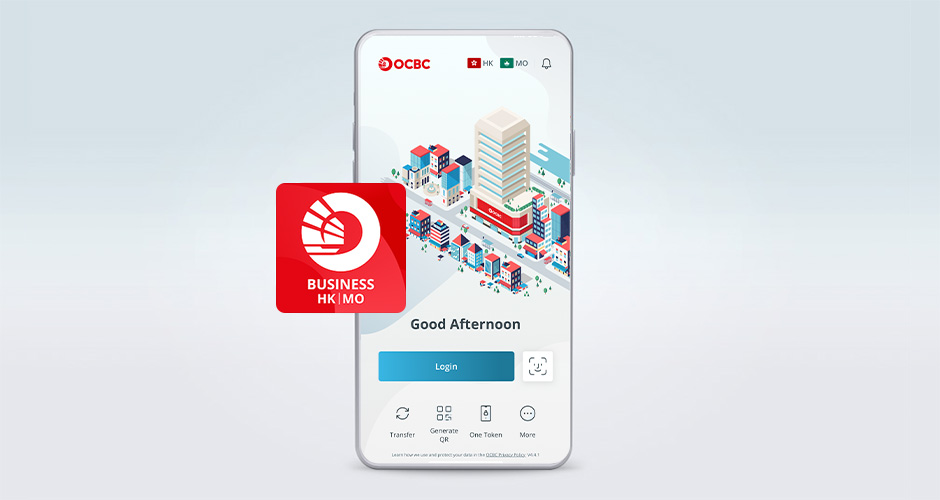
Your All-in-One Assistant – OCBC Business Mobile Banking Service App
The OCBC Business Mobile Banking Service App gives you the tools and flexibility to manage your transactions effortlessly.
Here’s how it helps you:
- Manage accounts securely with biometrics —Touch ID, Face ID, or fingerprint
- Stay on top of your business performance instantly with just a tap
- Get real-time alerts on transactions, including incoming funds and payment updates
- Collect payments quickly using FPS QR Codes
Foreign Exchange Transaction
Watch this video to learn how to book foreign exchange transactions instantly through OCBC Velocity – FX Online Service.
Also available in Traditional Chinese.
Creating templates to make payments
Watch this video to learn how to create and use a template to make payments in OCBC Velocity.
Also available in Traditional Chinese and Simplified Chinese.
Setting up your OCBC Velocity account
View this video to learn how to set up your OCBC Velocity account.
Also available in Traditional Chinese and Simplified Chinese.
Get the most out of managing your business finances with OCBC Velocity by joining our e-Training programme. It will help business owners like yourself or even your staff quickly learn the ins and outs of OCBC Velocity.
Join our e-training and learn:
- - What is OCBC Velocity
- - Login
- - Account Enquiry
- - Create Transaction
- - Approve Transaction
- - Create Template
- - FPS ID Registration and QR Code Generation
- - FX Online
|
|
Instruction: Please pick a date that is most suitable and click on the registration link to register.
Important notices
System requirements
For Windows-based PCs:
| Browser Version Operating System |
Microsoft Edge version 15 and later | Google Chrome version 51 and later | Mozilla Firefox version 54 and later |
| Windows 7 | N.A | ||
| Windows 8 | N.A | ||
| Windows 10 | |||
| Windows 11 |
For Apple Mac:
| Browser Version Operating System |
Safari version 10 and later | Google Chrome version 51 and later | Mozilla Firefox version 54 and later |
| Mac OS X 10.10 or later |
For Tablets:
| Android Version 10.0 and above | |
| Google Android OS Browser (tablet) |
| iOS Version 14 and above | |
| Apple Safari (tablet) |
Got questions?
Find the answers to the most frequently asked questions.
Download the OCBC Business Mobile Banking Service App

Log in to OCBC Velocity
Explore services/features if you have not registered.
Service Package
Whether you are a small business with simple banking needs or an organisation with complex control and approval structures, OCBC Velocity will cater to your needs.