
Empowering you to bank safely and securely
Activate and Lock/Unlock Card
Control access to your cards to secure your account from unauthorised use.
Any new card you receive by post or collect at a branch must be activated before use. To activate a new card, use the Activate Card feature on the OCBC Internet Banking or OCBC Bank Mobile App.
If you need to temporarily lock your card to prevent transactions from being made, use the Lock/Unlock Card feature on the OCBC Internet Banking or OCBC Bank Mobile App.
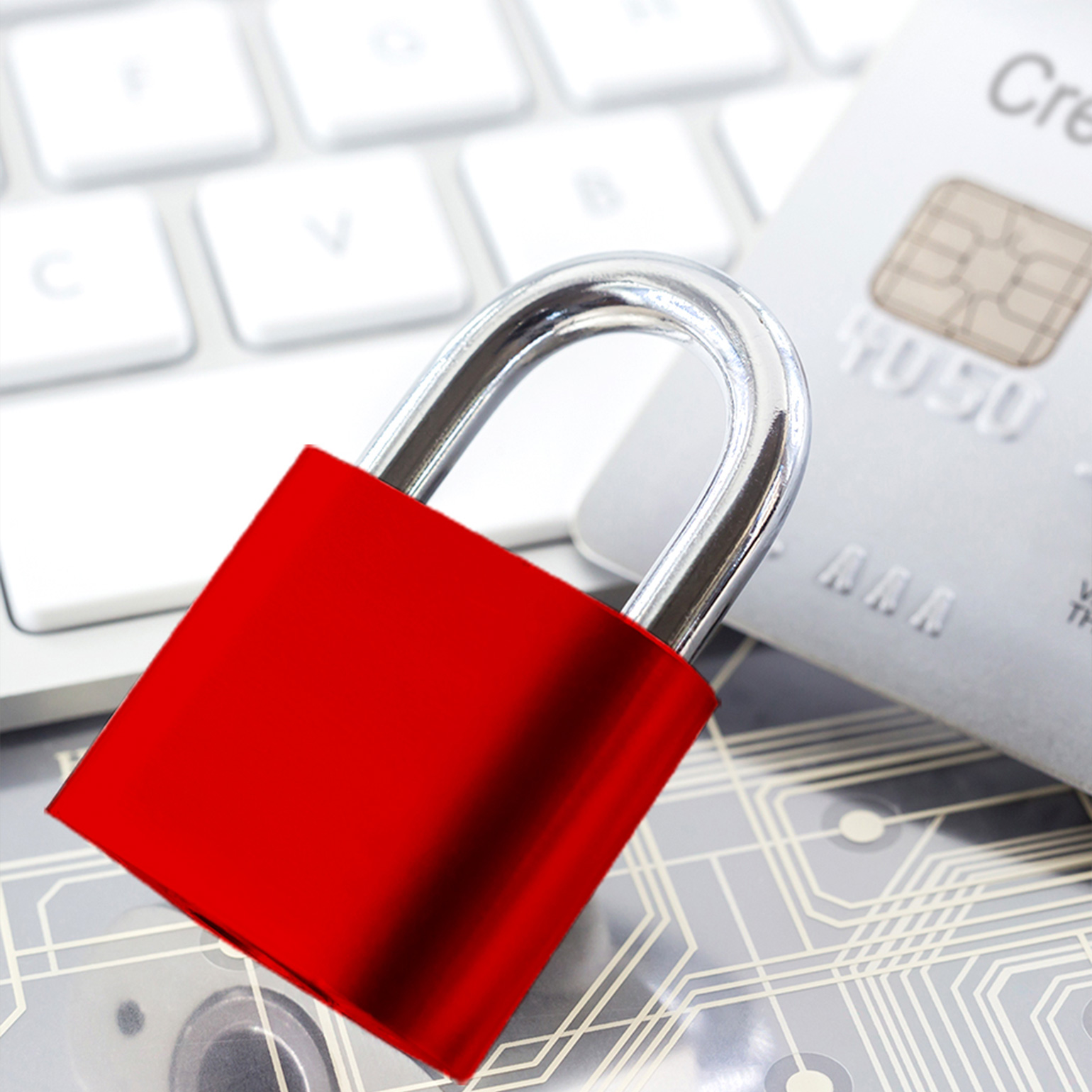
Prevents unauthorised use of your card prior to activation
The Activate Card feature ensures that your new card cannot be used until you have activated it — preventing anyone from using your card should it get lost or stolen in transit.
Prevents unauthorised use of lost cards
Has your card been lost or stolen? Use the Lock/Unlock Card feature to temporarily lock your physical card and prevent unauthorised parties from using it.
If you are sure that your card has been irretrievably lost or stolen, you can permanently suspend it via the OCBC Internet Banking or OCBC Bank Mobile App to stop all transactions from being made with it.
Takes immediate effect for your security and convenience
You can activate or lock/unlock a card at any time, and changes take effect immediately for instant security.
The simplest way to activate or lock/unlock your card is via the OCBC Internet Banking or OCBC Bank Mobile App.
Activate Card
- Log in Internet or Mobile Banking
- Click “More” on bottom menu (applicable to Mobile Banking)
- Select “Card services”
- Choose “Activate Card”
- Input Card Number
Lock/Unlock Card
- Log in Internet or Mobile Banking
- Click “More” on bottom menu (applicable to Mobile Banking)
- Select “Card services”
- Select “Lock/Unlock card”
To borrow or not to borrow? Borrow only if you can repay!